IronSet: Training & Nutrition Manual
A data-driven fitness and nutrition ecosystem with AI-powered coaching.
1 Introduction
IronSet is a high-performance, data-driven fitness and nutrition ecosystem designed for athletes and individuals who demand precision and control. By integrating advanced analytics, Google Gemini AI, and real-time coaching via the "Gym Co-Pilot," IronSet transforms raw data into actionable training intelligence.
2 Getting Started
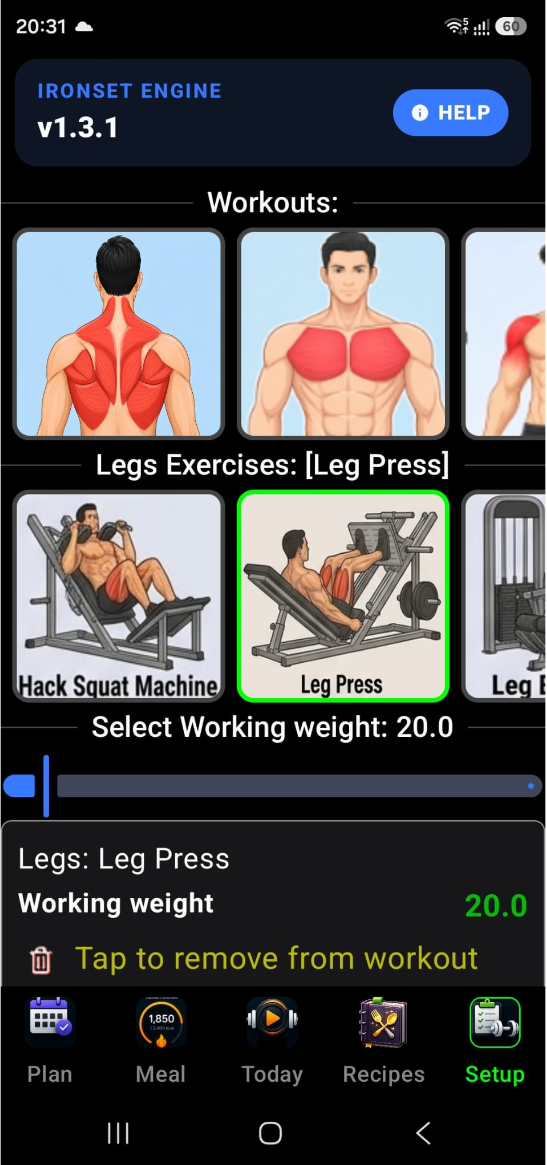
The Setup is the configuration hub of the IronSet app. It's where you define who you are, what your workouts look like, and how the app behaves. Here is a detailed breakdown of its interface and functionality.
1 Workout & Exercise Builder
This is the core of your training setup. It allows you to custom-tailor your routines:
- Workout Selection — A horizontal list of your main routines (e.g., Push, Pull, Legs).
- Exercise Management — Once a workout is selected, you can see all available exercises for that category. Tap an exercise to add it to your active routine or remove it.
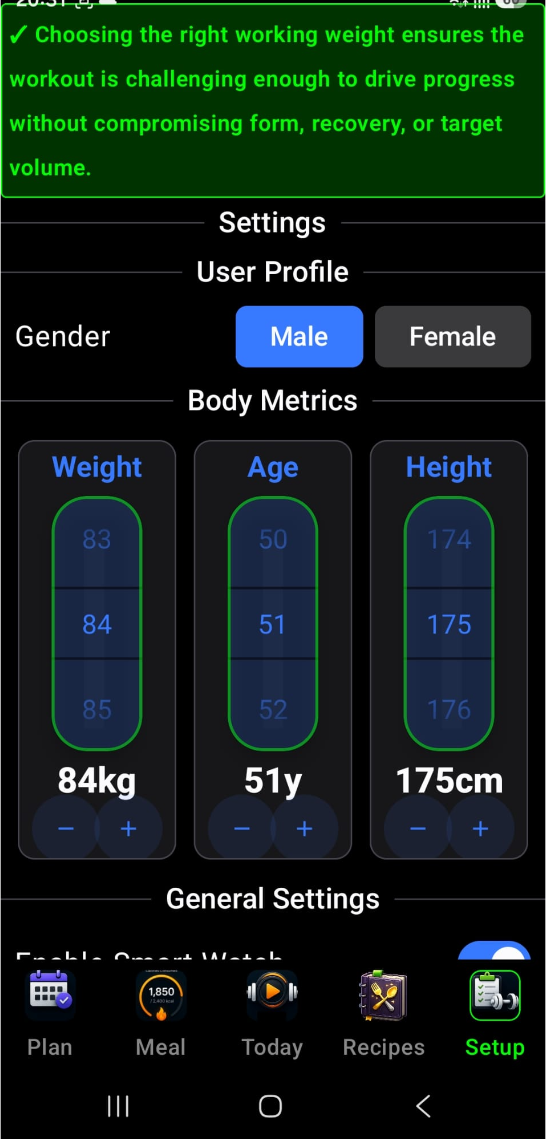
- Weight Calibration — For every exercise, set your "Working Weight" using a high-precision slider. The app provides guidance on choosing a weight that is challenging enough for progress without sacrificing form.
2 Personal Profile & Body Metrics
The app uses your physical profile to calculate personalized nutrition and recovery targets:
- Gender Selection — A simple toggle between Male and Female.
- Interactive Body Metrics — Three specialized vertical sliders let you set your Weight (kg), Age, and Height (cm). These inputs directly feed the Basal Metabolic Rate (BMR) and calorie calculations found in the Energy widgets.
-
Activity Mode — Used
in calibrating your daily intake; mostly affects the
ratio between Carbs / Protein / Fat:
- IronSet — High-intensity focused calculations.
- Decent — Standard activity level modelling.
3 General App Preferences
You can customize the user interface and logic to suit your style:
- Feature Toggles — Enable or disable advanced features like Smart Watch Sync, Hands-free (Tilt) interaction, and specialized analytics like Expected Volume tracking or Bar Charts.
- Widget Visibility — Choose exactly which "tabs" appear in your main navigation. If you don't track recipes, for example, you can hide the Recipes widget entirely to keep your UI clean.
- Analytics Visibility — Choose which specific data charts (like volume, frequency, or macro trends) are visible in your analytics dashboard.
4 Wear OS Integration
If you use an Android smartwatch, this section manages the link:
- Connection Status — Shows a real-time "ONLINE" or "OFFLINE" status for your watch.
- Sync Logs — Displays a history of the last few times your data was synchronized between your phone and your watch.
5 AI Intelligence (Gemini Integration)
Since the app uses Google Gemini for its "AI Coach" and "Food Scanner" features:
- API Key Management — Enter your own Gemini API key here. The app provides a direct "Get" button that takes you to Google AI Studio to generate one for free.
- Usage Dashboard — A dedicated button to view statistics on how much of your AI quota you've used.
6 Data Management & Backups
To ensure you never lose your progress:
- Backup & Restore — Create local snapshots of your entire history or restore from a previous one.
- Share Data — Automatically packages your entire database into a ZIP file and opens the Android share sheet, allowing you to email your data to yourself or save it to Google Drive.
- Clean All — A "reset" option to permanently delete all history and settings if you want to start fresh.
The Setup Widget is your "Command Center." It's where you build your gym identity, fine-tune the app's smart features, and ensure your data is secure.
2.2 AI Integration (Google Gemini)
To get the most out of IronSet, we recommend creating a Gemini account and providing your Gemini API key to the application. Your API key is used exclusively for:
- Image processing to provide nutritional insights from food images.
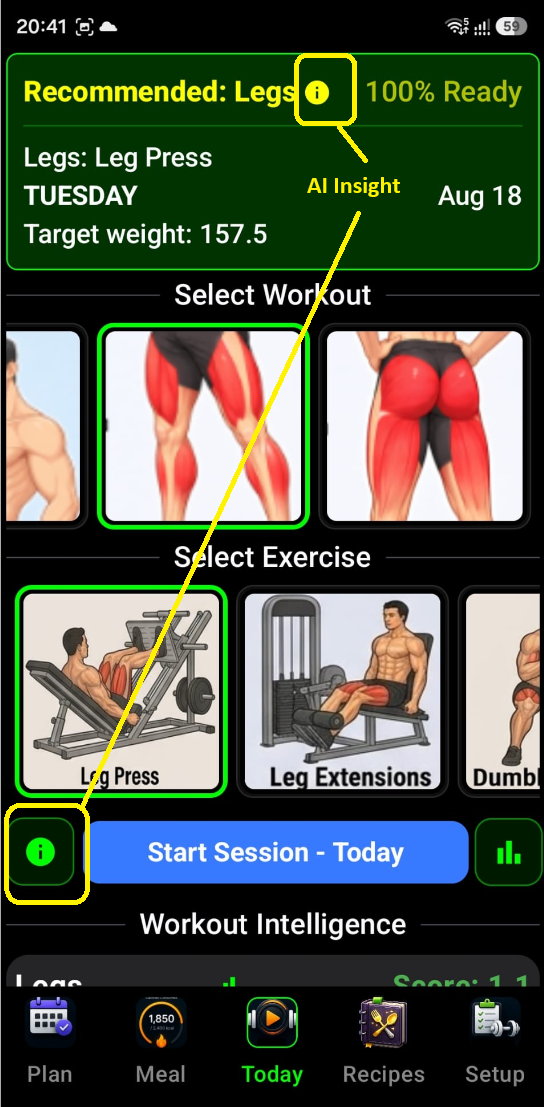
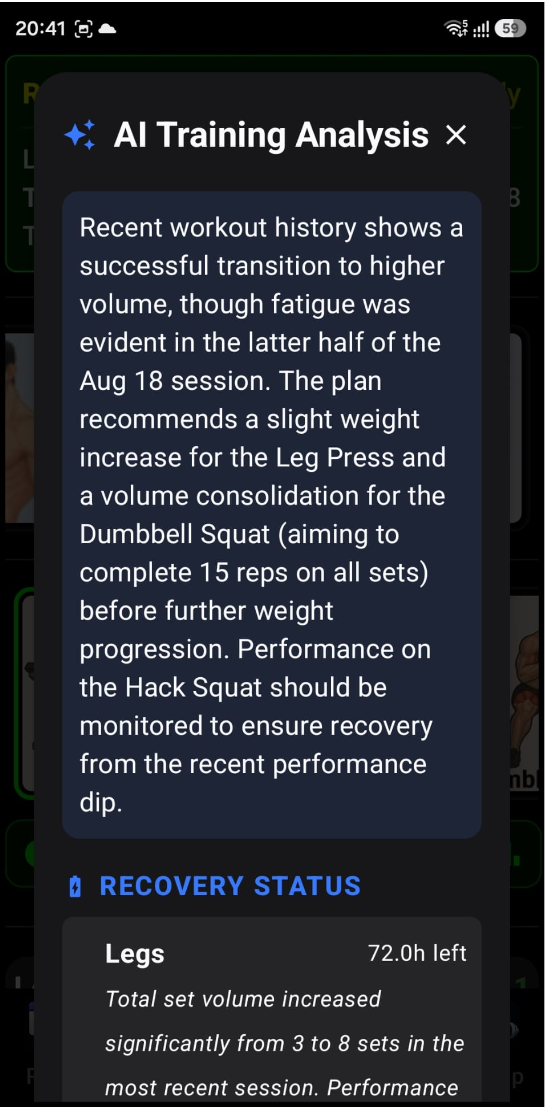
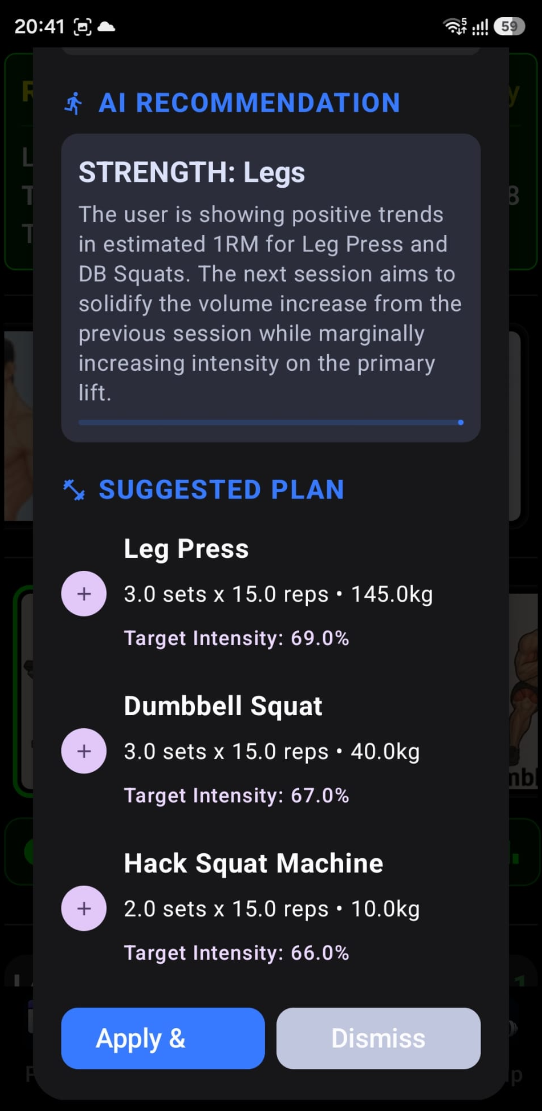
- AI-powered training insights and recommendations.
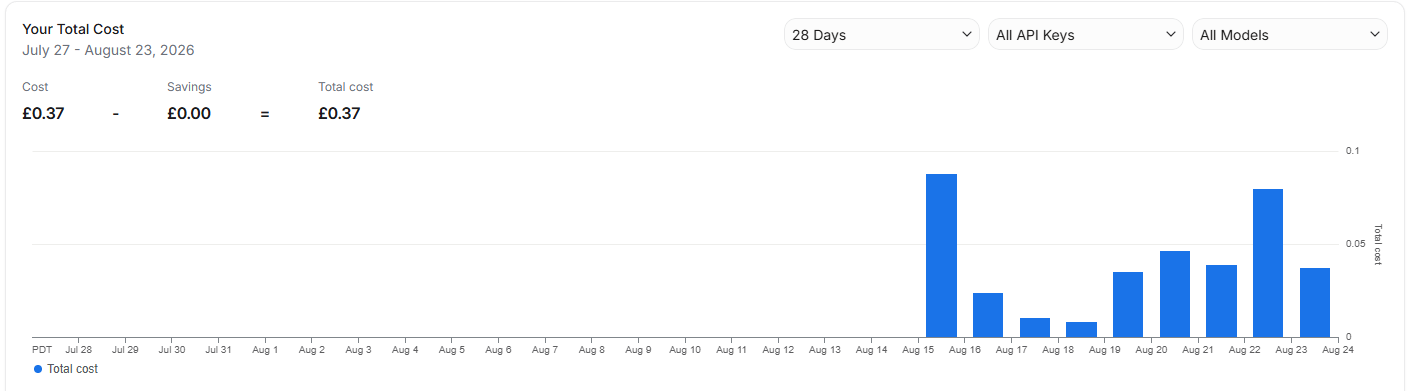
The API key is not used for any other purposes, and API usage is subject to the limits and terms of your Gemini account. For reference my personal usage of Gemini key on the time of writing this text is
To unlock AI Insights, you must provide a Google Gemini API Key
- Tap "Get" in the Gemini API Key section to visit Google AI Studio.
- Generate a key and paste it into the IronSet settings.
This enables deep analysis of your training history and personalized workout recommendations.